






Marketers: one campaign, many versions
Make the poster once, then edit the date, the offer, or the language for each channel instead of rebuilding it.
Write the words for the poster or the logo, then edit the same image again and again — new wording, new color, new light — while the rest stays put.
Production preview
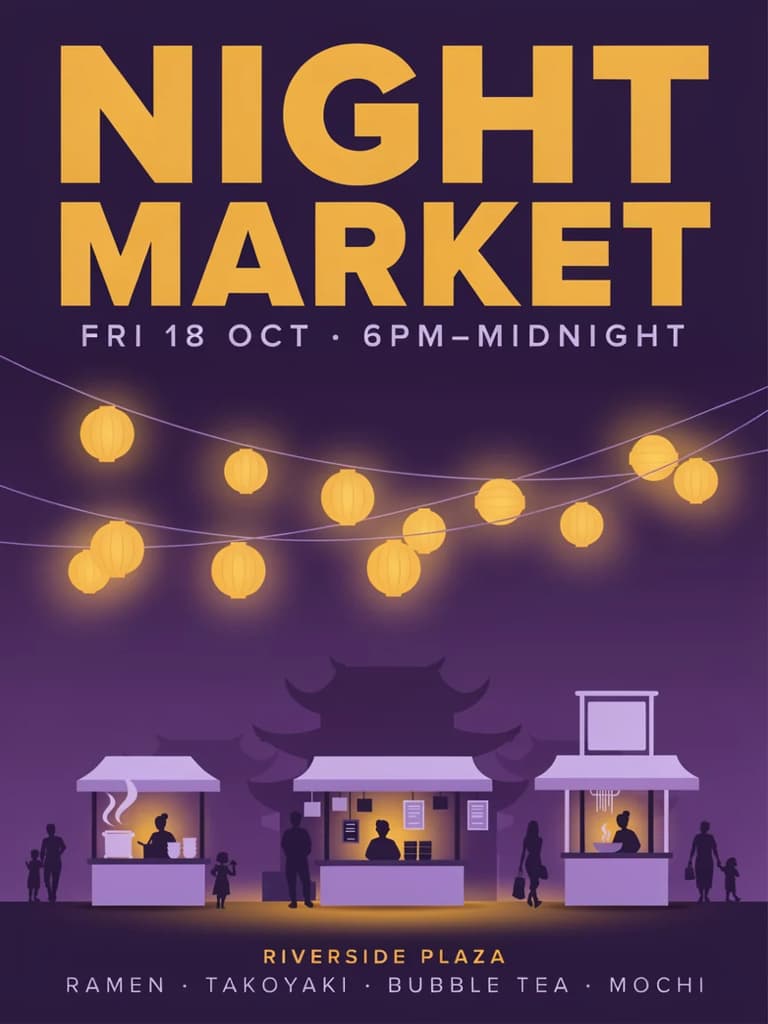
Ideogram 4.5 is Ideogram's AI image generator and editor, released on September 30, 2026. It writes the words you ask for on posters, logos, and packaging, and it is built for editing the same picture many times: ask for one change — a new headline, a different color, evening light — and the parts you did not mention stay as they were.
Here you can start from a prompt or upload up to five images, choose Low, Medium, or High quality for each run, and download the result.
Start with the words that need to read. The example images show each job.
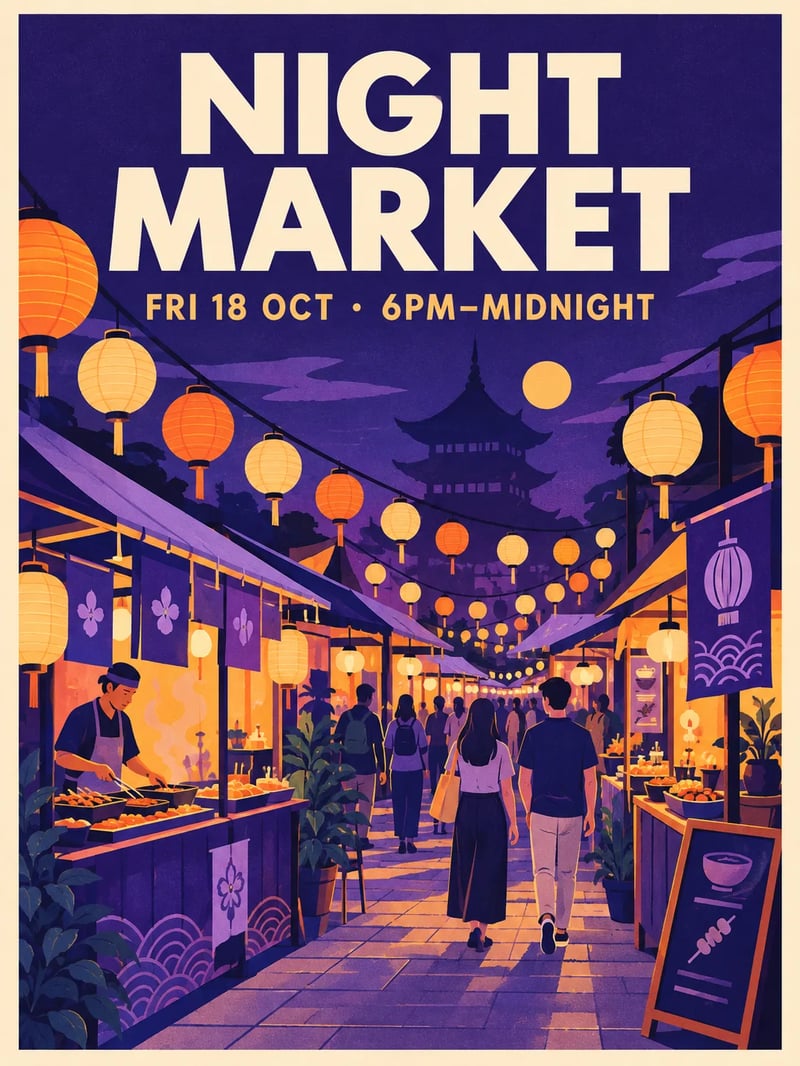
Put the headline and the date line in the prompt, in quotes. Ideogram 4.5 sets them on the poster. Check the spelling, then download.
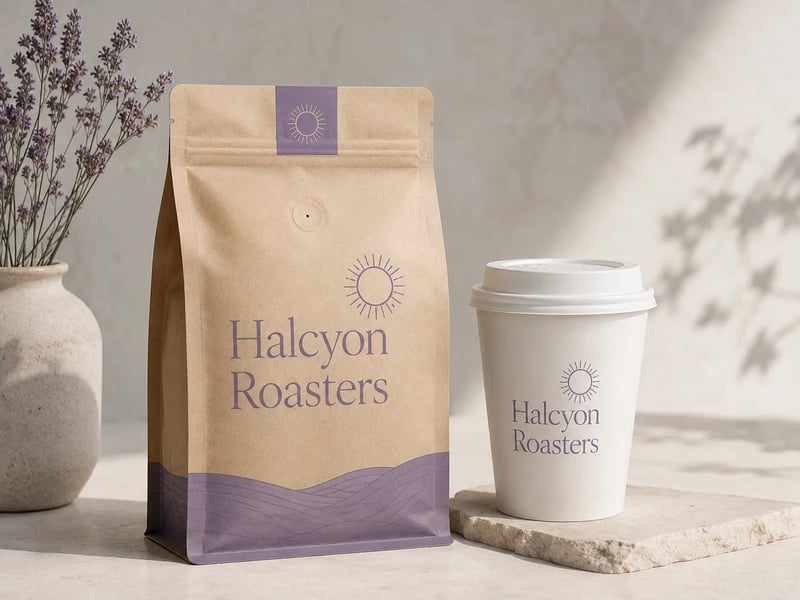
Describe the wordmark and where it goes — the bag, the cup, the label. Settle the wording on Low, then run the prompt on High for the version you present.
Upload the image, name the one change, and generate; then edit the result for the next change. The example images show each kind of edit.
Ask for the sign to read FRESH BREAD and leave the rest of the shop alone.
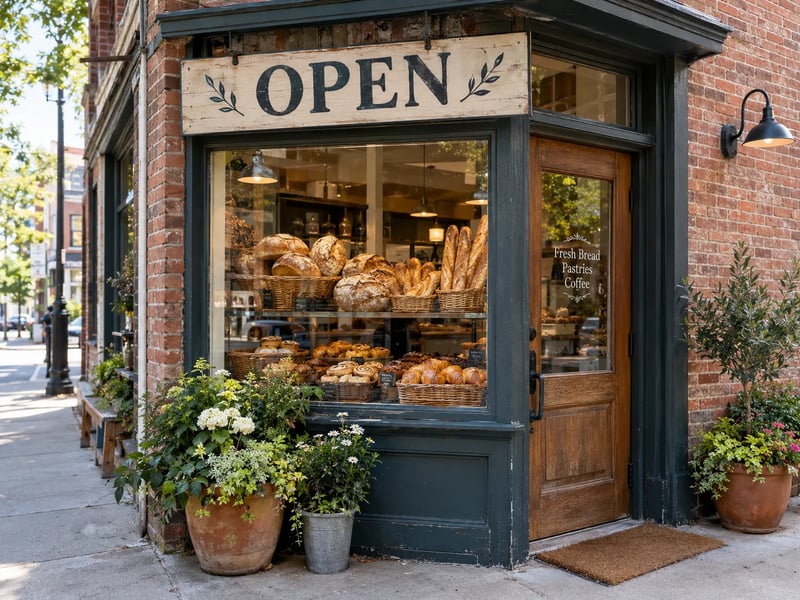
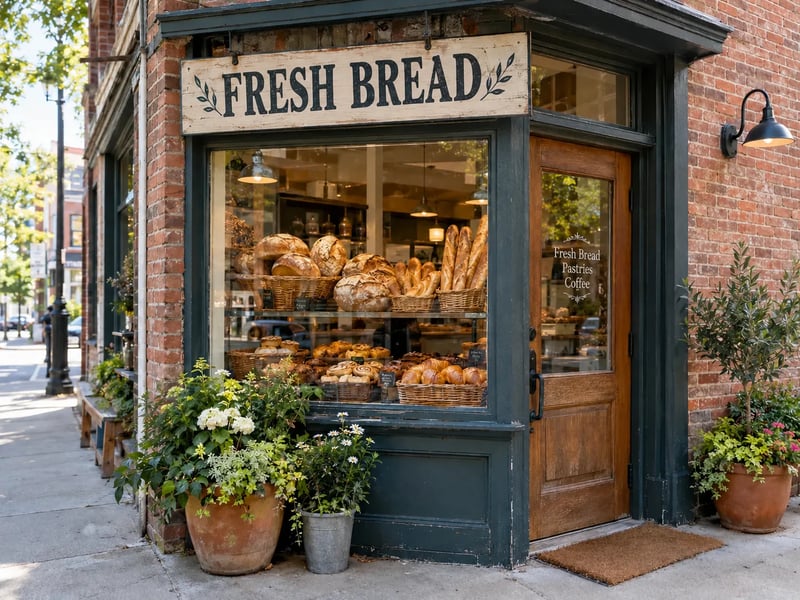
Write or upload, pick a quality, generate, then keep editing.
For a new image, describe it, put any words in quotes, and pick a shape: 1:1, 3:4, 4:3, 9:16, or 16:9. To edit, switch to Image to image and upload up to five images — the first is the image that changes, the rest are references.
Low is the default, good for trying ideas and wording. Use Medium for images you will post and High for the final poster, logo, or product shot.
Press Generate. An edit keeps the proportions of the image you uploaded.
Download it, or upload it again with the next change. Ask for one thing per edit.
Every run on this page uses Ideogram 4.5. The quality setting changes the detail and the credits per image; the shape you pick does not change the price.
| DefaultLowTry ideasStart on Low | MediumReady to postSwitch to Medium | HighThe final versionSwitch to High | |
|---|---|---|---|
| Credits per image | 5 | 10 | 50 |
| Good for | Trying prompts, layouts, and wording | Images you will post or share | The final poster, logo, or product shot |
Beyond a single prompt: references, a chat, and short clips.
Upload up to four extra images with the one you edit to set the style, the product, or the layout.
Rather talk it through? Describe the image in a chat; the agent writes the prompt, runs it, and refines it with you.
In AI Studio, ask the agent to turn a still into a short video with H3 Max Turbo, in the same account.
Anyone whose image needs readable words, or needs to change without starting over.
Make the poster once, then edit the date, the offer, or the language for each channel instead of rebuilding it.
Swap the label text or the season on a product shot for each listing and each sale.
Generate several poster or logo directions from one brief and bring the ones worth refining to the client.
Upload a faded photo and ask for the scratches or the color cast to go, checking each step before the next.
A new account starts with 10 credits to try Ideogram 4.5 on Low. Pick a plan when you want more.
Enjoy Limited-Time 30% OFF!
Ideogram 4.5 is the image model Ideogram released on September 30, 2026. It writes legible text on posters, logos, and designs, and it is built for repeated edits on the same image. Here you can use it online for text to image and image to image.
Put the exact words in quotes in the prompt and keep them short. Check the spelling in the result; if a letter is off, run it again or edit just that line.
Yes. Upload the result again and ask for the next change. Edits restore the parts you did not mention, so you can keep working on the same picture.
5, 10, and 50 credits per image. The shape of the image does not change the price.
Up to five. The first is the image that changes; the others guide the style, the product, or the layout.
Yes. A new account gets 10 credits to try it on Low. Images made with the free credits carry a watermark and are for personal use.
Yes. Open AI Studio and ask the agent: H3 Max Turbo turns a prompt or a still into a short clip, in the same account.
Yes, on a paid plan, under the Terms: use the finished poster, logo, or product image in your listing, post, or print run. Clearing trademarks and other people's likenesses is up to you.

Ideogram 4.5 is ready in the box above, starting on Low.